How to Submit a new Ticket
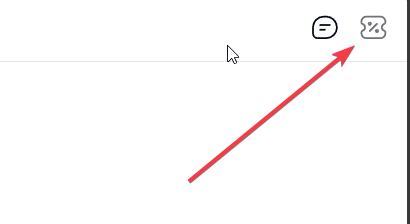
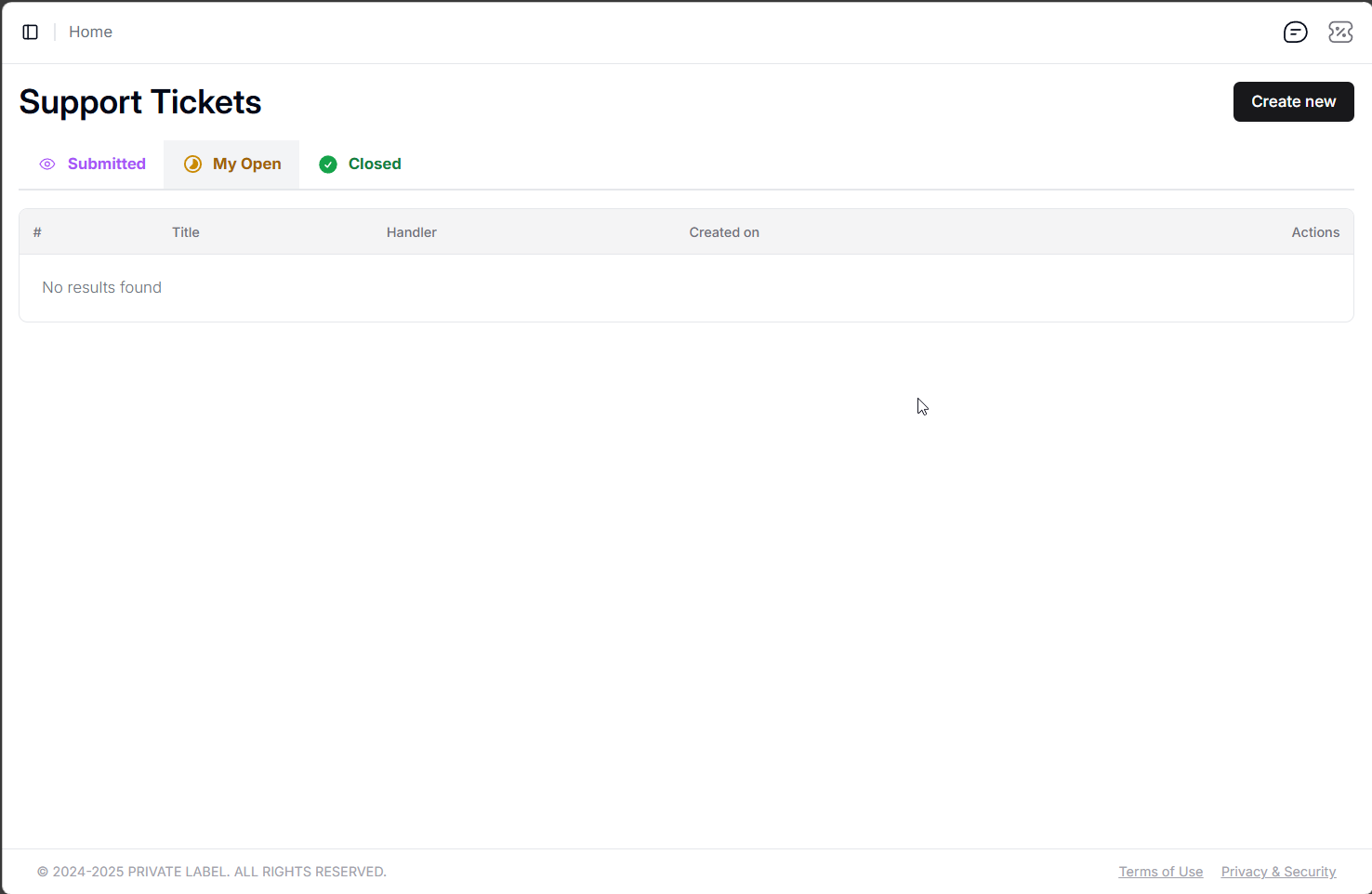
You can submit a new ticket in the dashboard, by going to the support tickets module. It is the ticket icon in the top right corner of the dashboard.
|
|
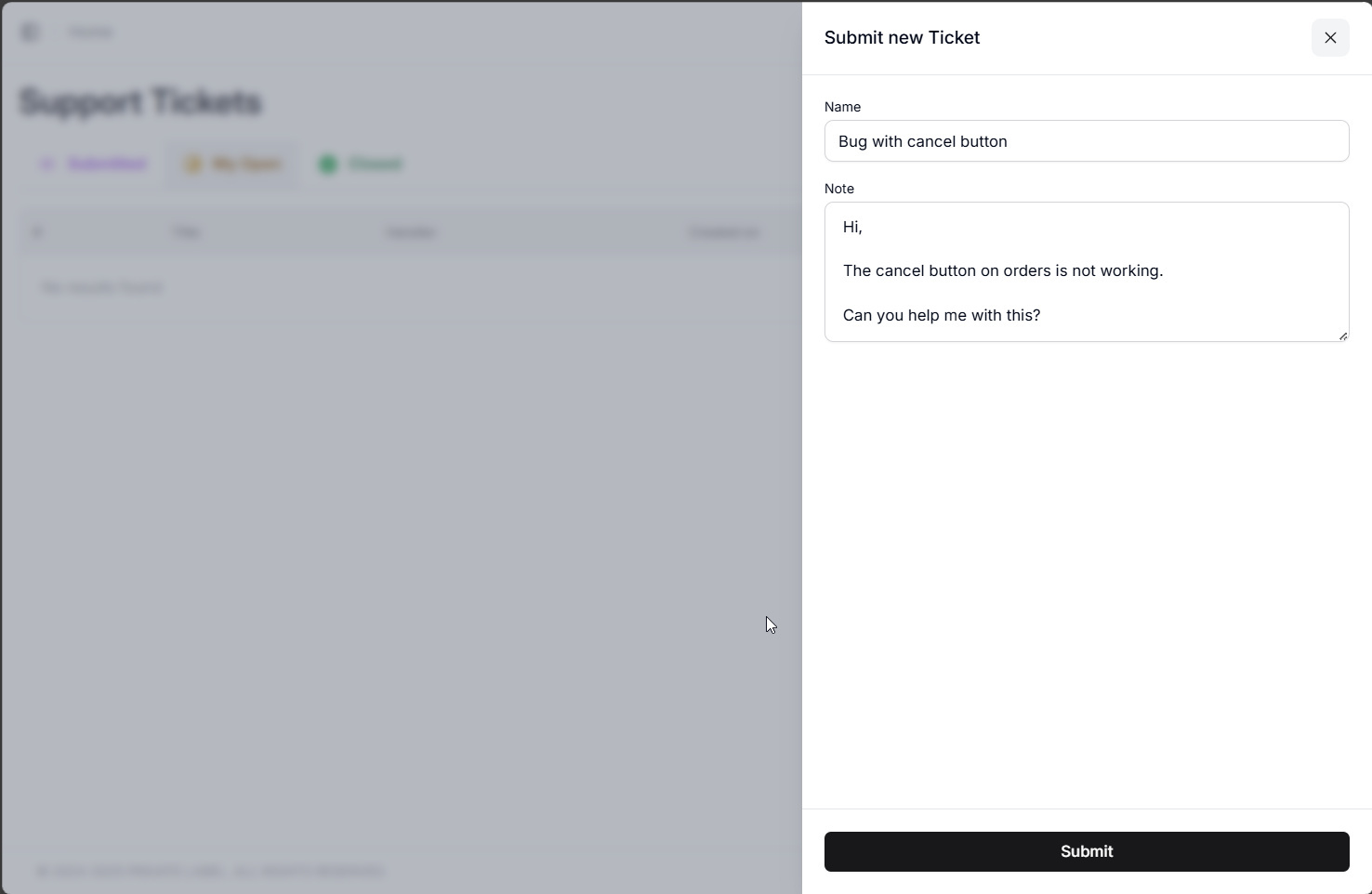
From there you can submit a new ticket:
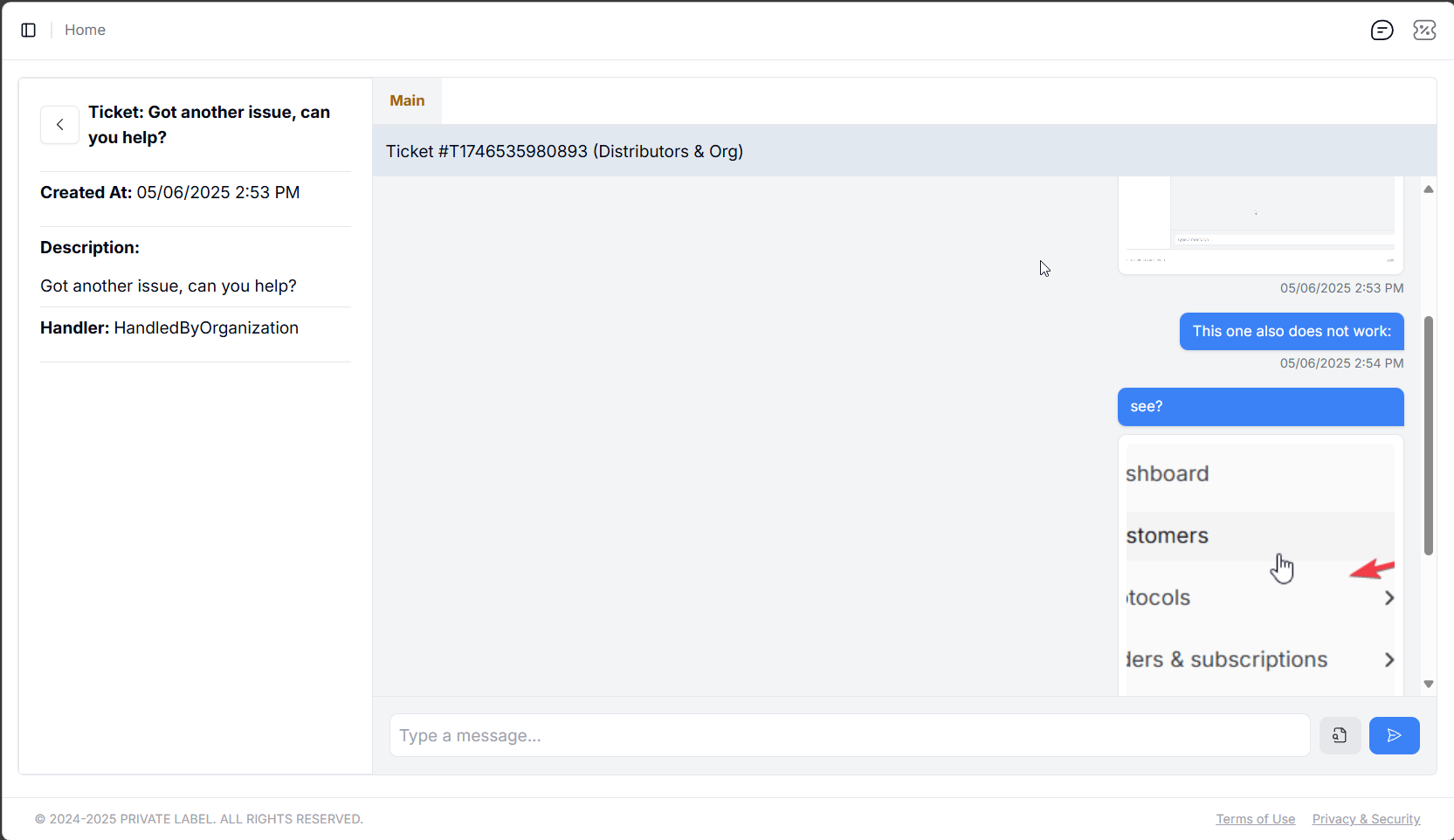
Once you have the ticket open you can use the chat window for it to send further details and messages, as well as append images and other files: