
How to use the chat to connect with customers
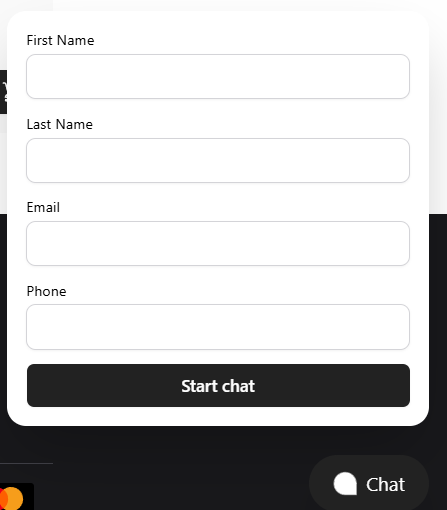
End-customers can use the support chat widget to reach out to staff members:
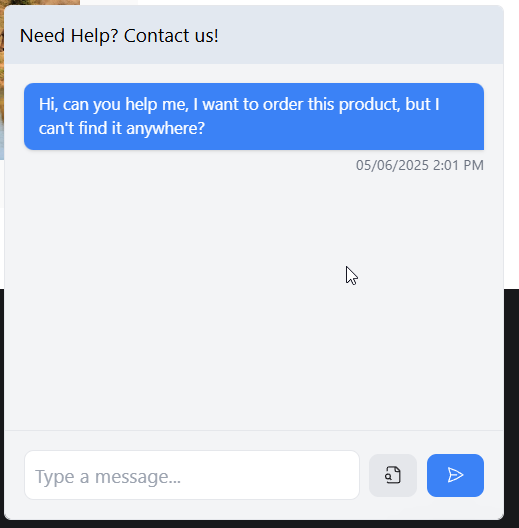
These messages will show up in the Chat system in your main dashboard, like so:
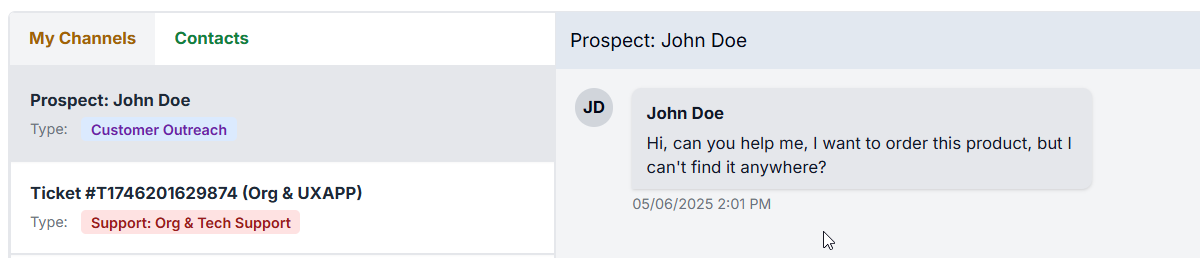
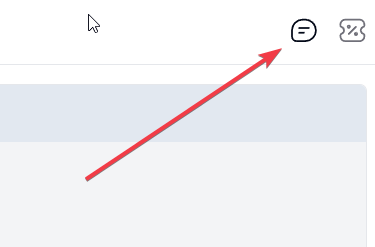
You can get to this page by clicking on the chat icon, in the upper right corner of the dashboard:
Reach out to customers on your own
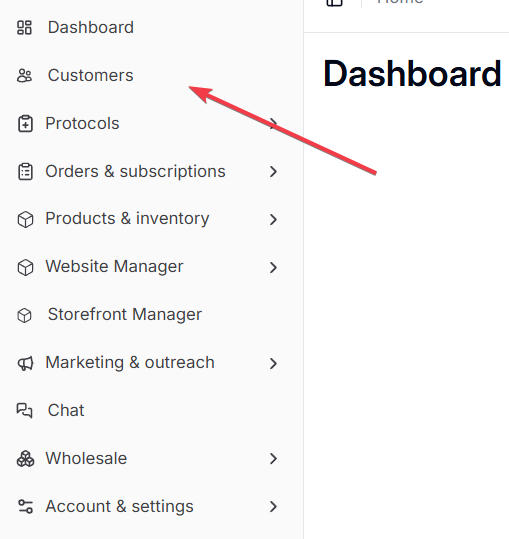
If you want to be the first one to reach out to customers you can do so by going to the list of customers:
And then on the customer details page, use the "Open Conversation" button:
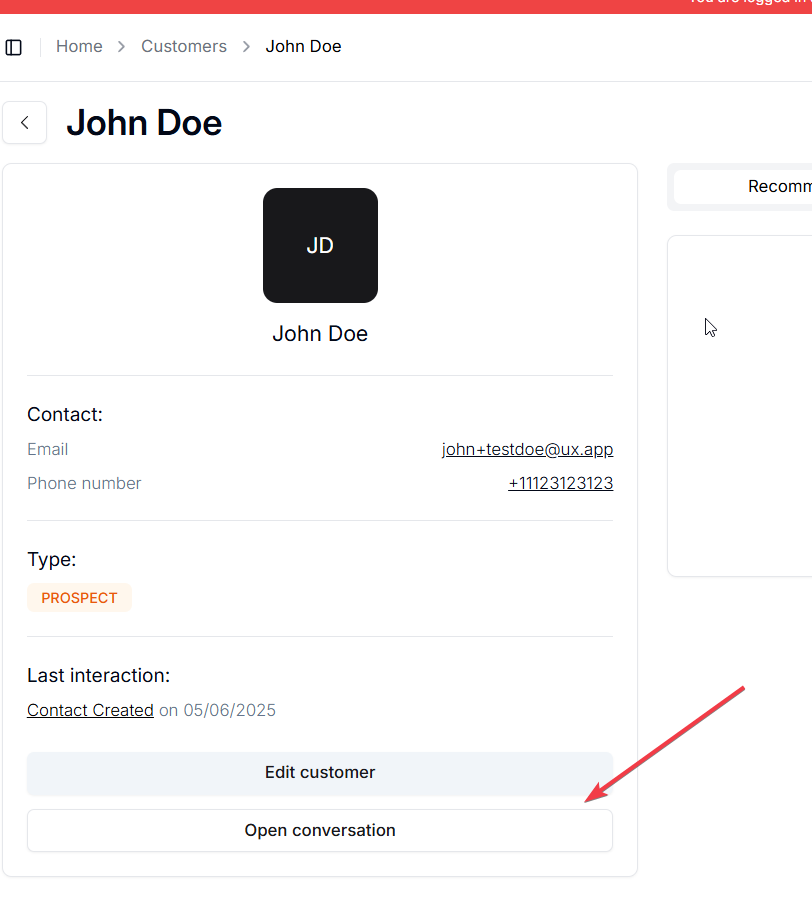
The customer will see a new message popup on the website/app if they are logged in.
If not, we will be sending them an automatic e-mail, to let them know about your message and that they can reply to it on the website/app.